Table of Contents
Web Apps: Labels App
Note
Labels App does not require any license.
Important
Labels App requires a recent browser. DHD recommends using one of the recommended browsers with at least the tested version as listed in Recommended Browsers.
Toolbox configuration
Using Labels App
When the configuration is done, you can visit the Web Apps page of the DHD core.
- Open your web browser. See System Requirements for DHD Software for a list of recommended browsers.
- Enter the IP address of your core:
http://[IP of core deivce]
Example:
http://10.5.12.123/
. The Web Apps interface starts.
- Click
Labelsicon. If:- You have password protection / authentification enabled, log in first. See user authentication.
- You only have
Rename Fader Channelsrights, the channel labels interface starts. - You only have
Rename Global Labelsrights, the global labels interface starts. - You have both rights, choose if you want to edit global labels or channel labels.
Global Labels
The global labels interface appears if you choose Global Labels from the Web Apps navigation or only have the rights to access this page.
Note
This function requiresRename Gobal Label rights set in Toolbox for your user account.
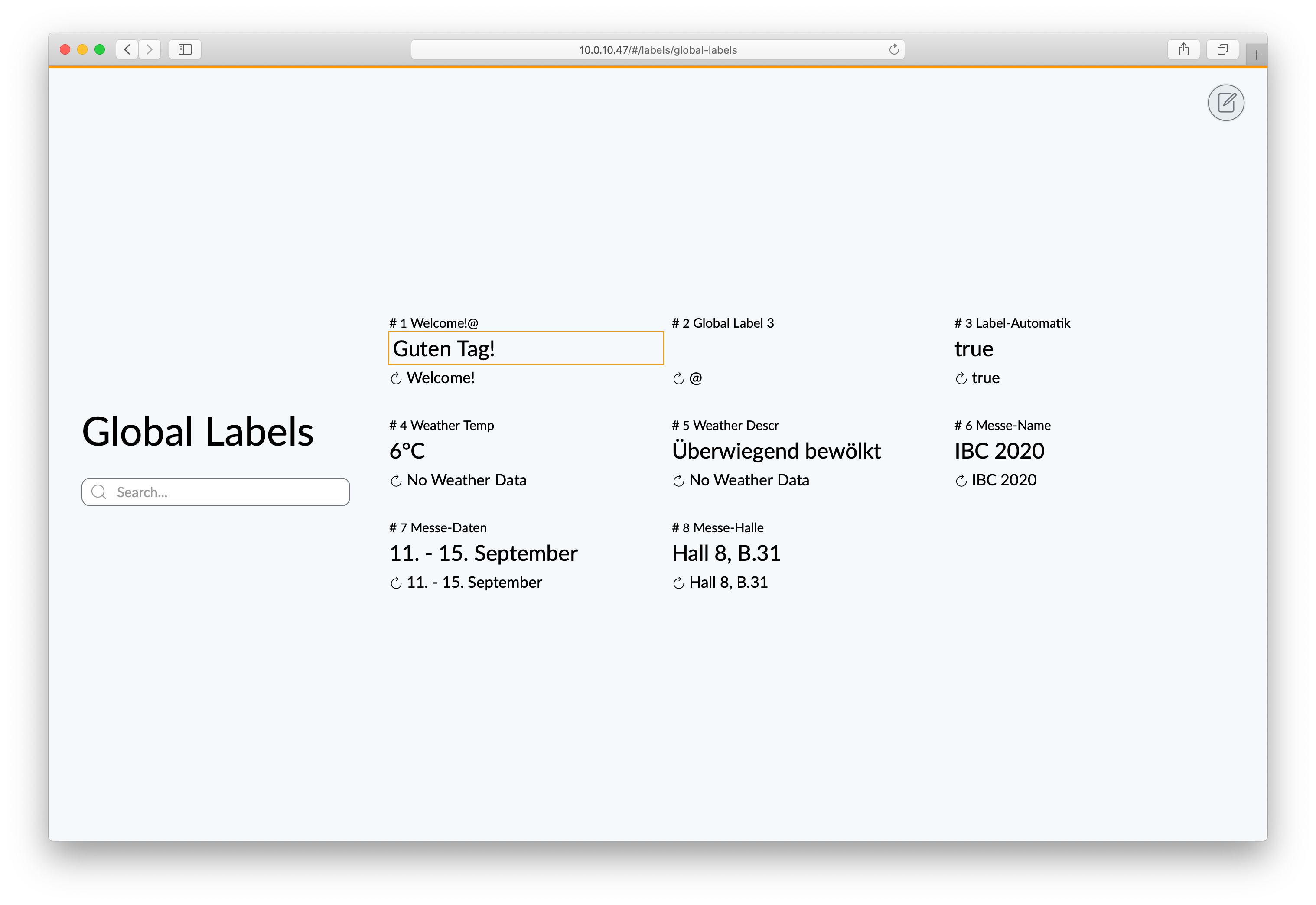
A list entry consists of:
- 1st line:
#<ID>and description from Toolbox - 2nd line: current label text
- 3rd line: reset
 icon and default label text from Toolbox

Here you can view, edit and reset global labels.
- To edit a global label, click or tap on the label text you want to edit. Type in your new text and press enter.
- To reset a global label, click or tap on the (reset) icon. It will be reset to the default label text from Toolbox which is written next to the reset button.
Channel Labels
The backup & restore all interface appears if you choose Channel Labels from the Web Apps navigation or only have the rights to access this page.
Note
This function requires Rename Fader Channels rights set in Toolbox for your user account.
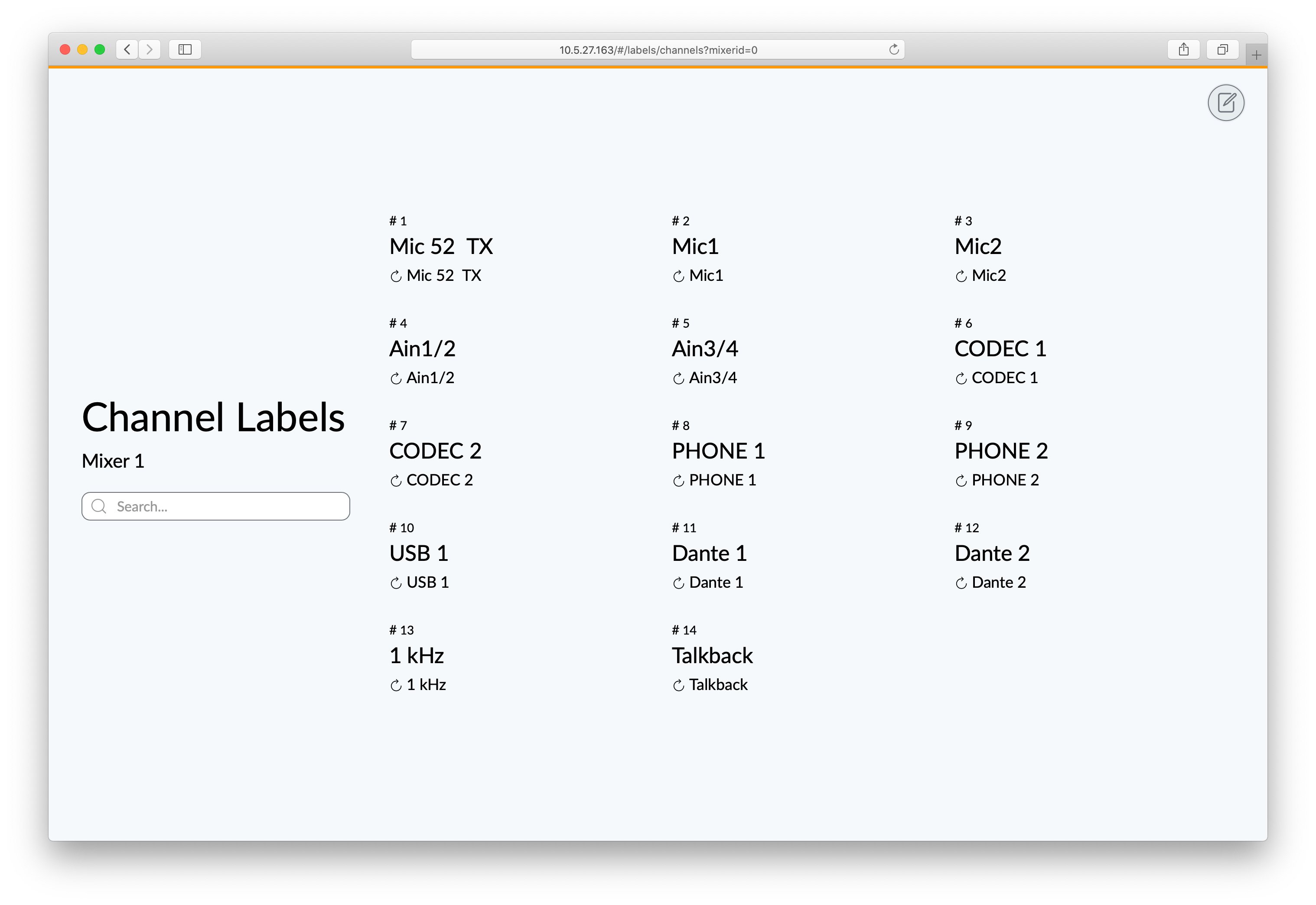
A list entry consists of:
- 1st line: Channel
#<Number> - 2nd line: current label text
- 3rd line: reset icon and default label text from Toolbox
Here you can view, edit and reset channel labels.
- To edit a channel label, click or tap on the label text you want to edit. Type in your new text and press enter.
- To reset a channel label, click or tap on the (reset) icon. It will be reset to the default label text from Toolbox which is written next to the reset button.
Recommended Browsers
Labels App requires a recent web browser. Please see System Requirements for DHD Software for a list of tested browsers.