
Users
On the Users page you can create users with different access rights.
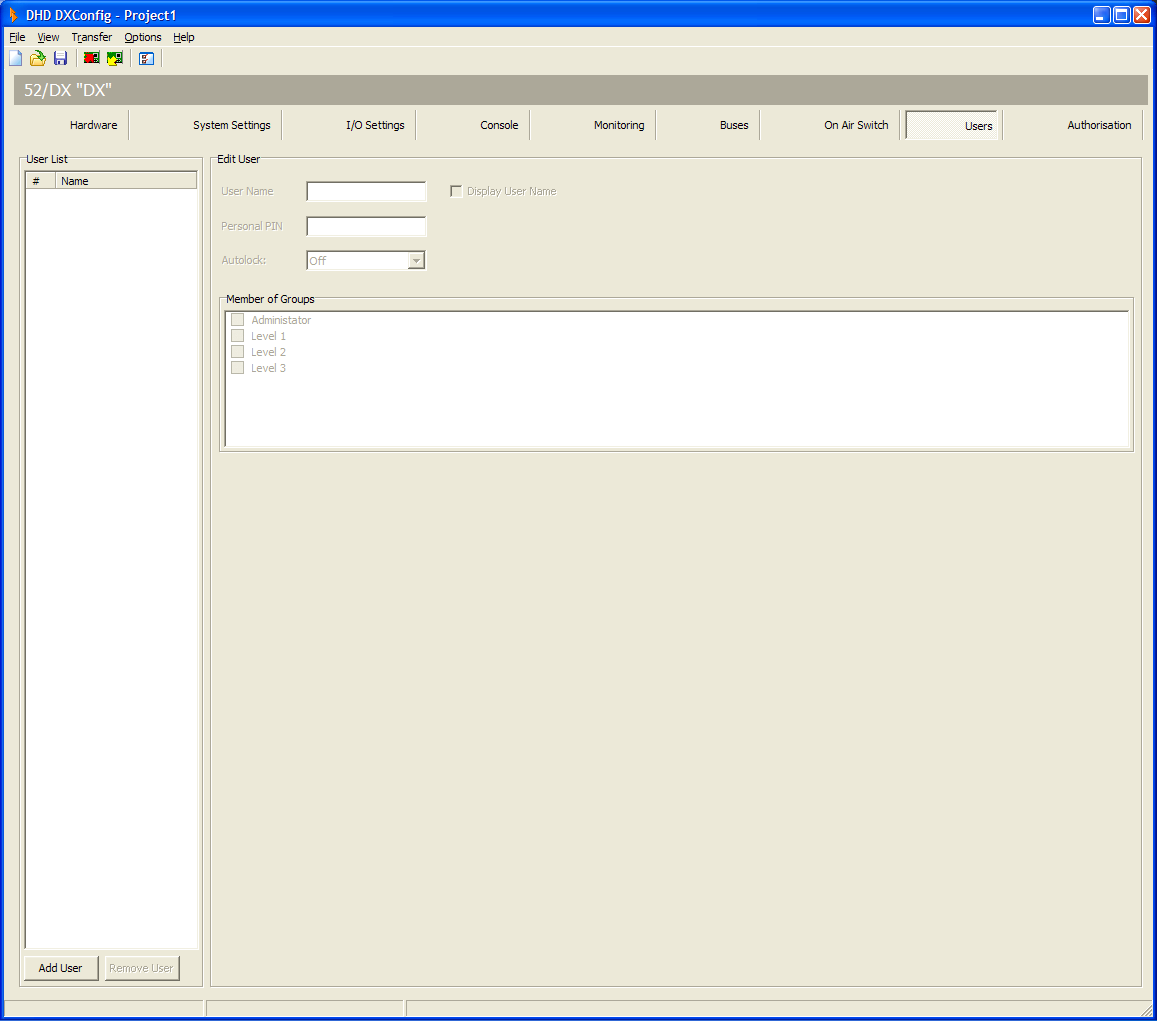
DXConfig Software - Users
You can create users with different access rights by assigning them to the preconfigured user groups. To do this, follow these steps:
- In the
User Listarea, clickAdd Userto create a new user. - In the
Edit Userarea, in the User Name box, type a distinctive user name, for example “technician”. - In the
Personal PINbox, enter a four-digit PIN code, which identifies the user at the log in process on the console. - In the
Member of Groupsarea, select one or more user groups to assign the selected user to these groups.
You can log out the users automatically after a defined duration. After this duration the user has to log in again. Choose this duration from the Autolock drop-down menu. You can select 2, 5, 10, 15, 20 or 30 minutes or select Off to disable this feature.
Note
The Display User Name check box has no function for 52/DX devices.